
Private by default
Core speech workflows run locally on your Mac after model download, so your text and audio can stay on-device.
LocalSpeechGen helps creators generate unlimited local audio, design voices, clone with consent, and transcribe on macOS with high-quality natural output.

The product experience is designed to reduce friction: clear task paths, immediate trust signals, and polished workflows for creators who need predictable output.
Core speech workflows run locally on your Mac after model download, so your text and audio can stay on-device.

Designed for quick generation with start-fast model recommendations and responsive preview loops.

English, Chinese, Japanese, Korean, German, French, Spanish, Portuguese, Russian, and Italian.

Start with free access and upgrade only when advanced creator features are needed.

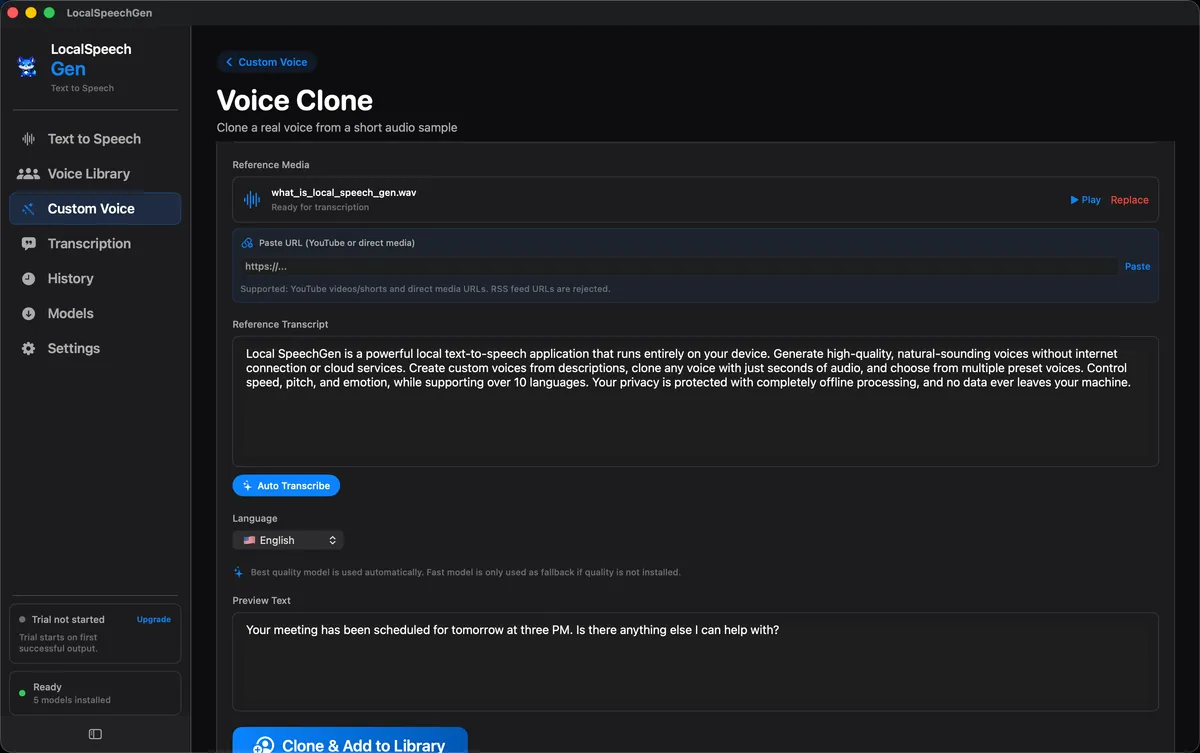
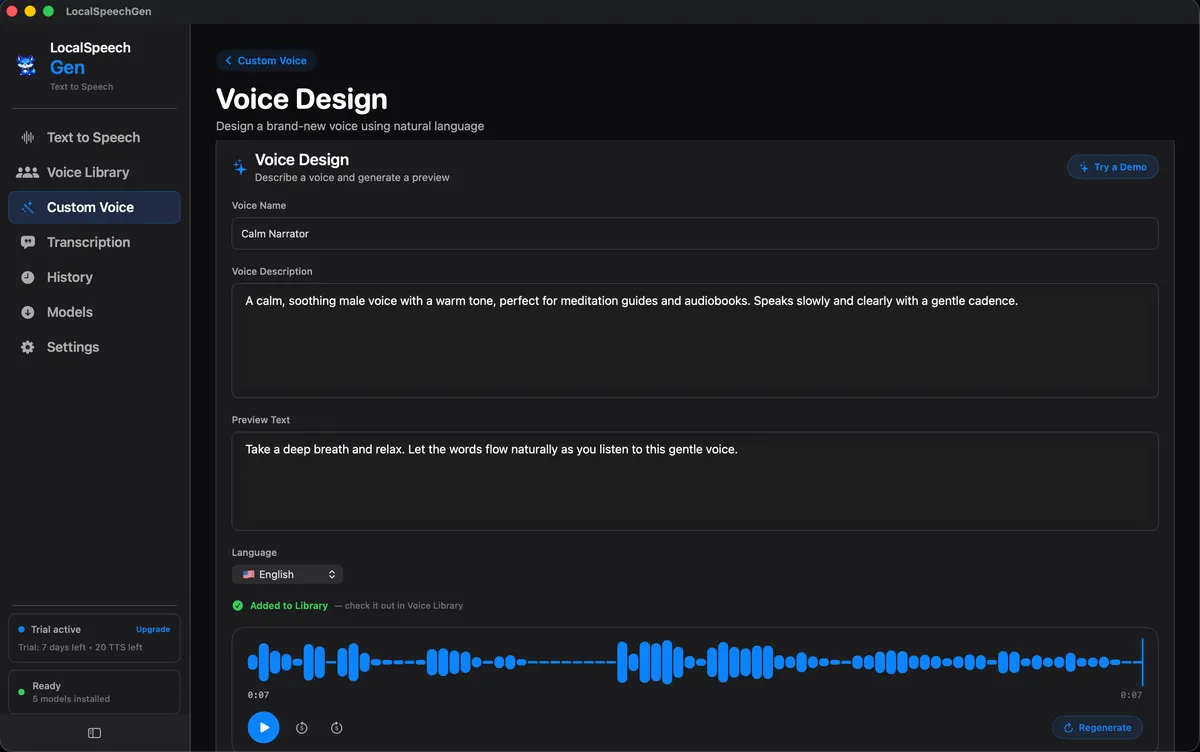
Create voices from natural language descriptions or clone from short reference audio, then generate unlimited local output from those custom voices.
A desktop-first experience focused on reliability, local control, and production-ready voice output.
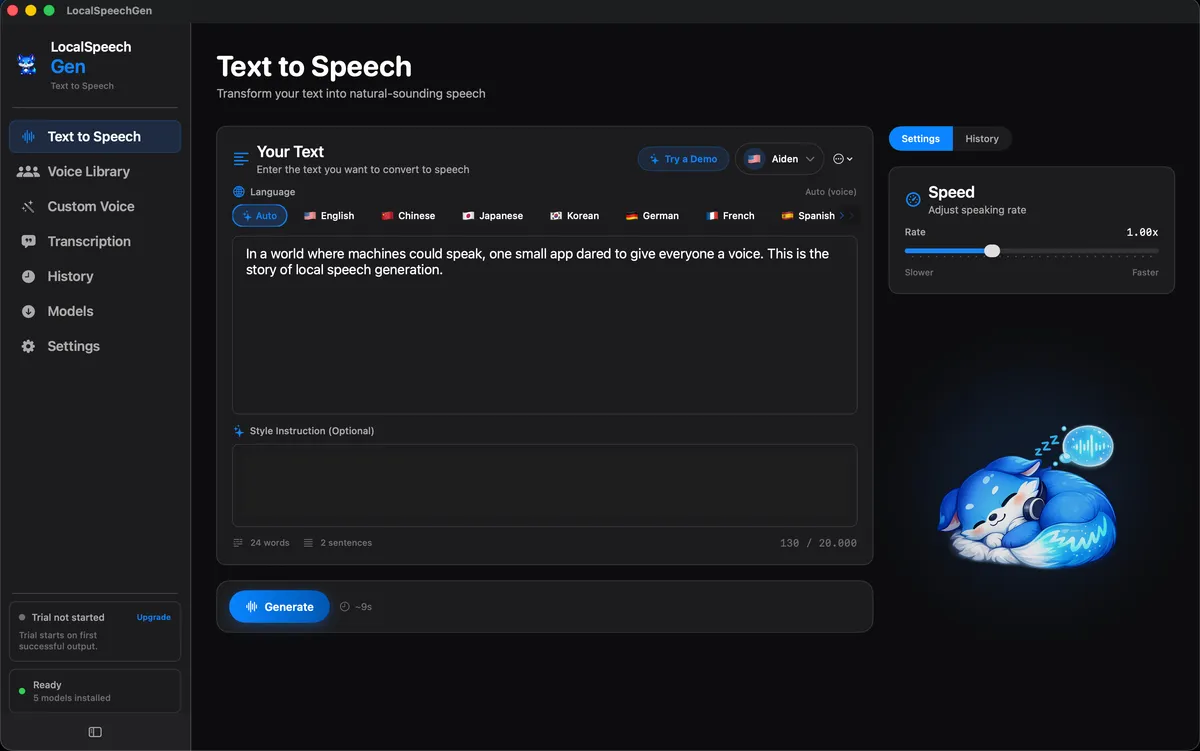
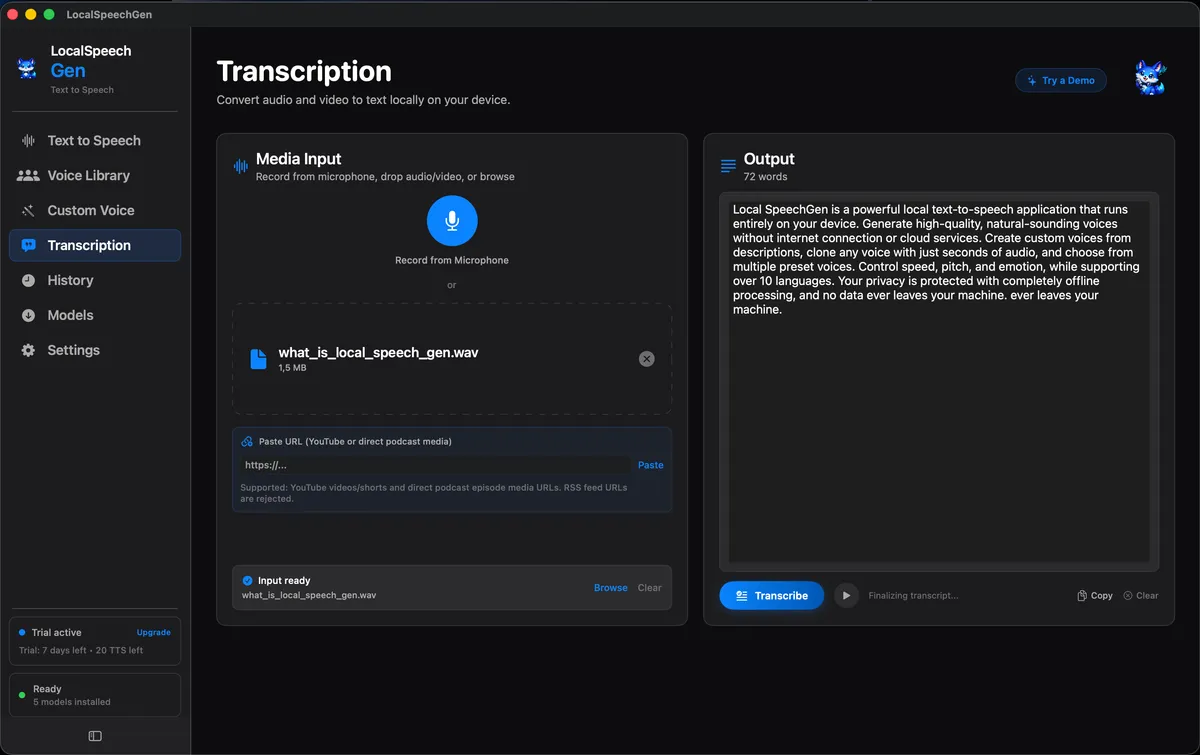
These five screenshots auto-rotate quickly so users can preview the full workflow.
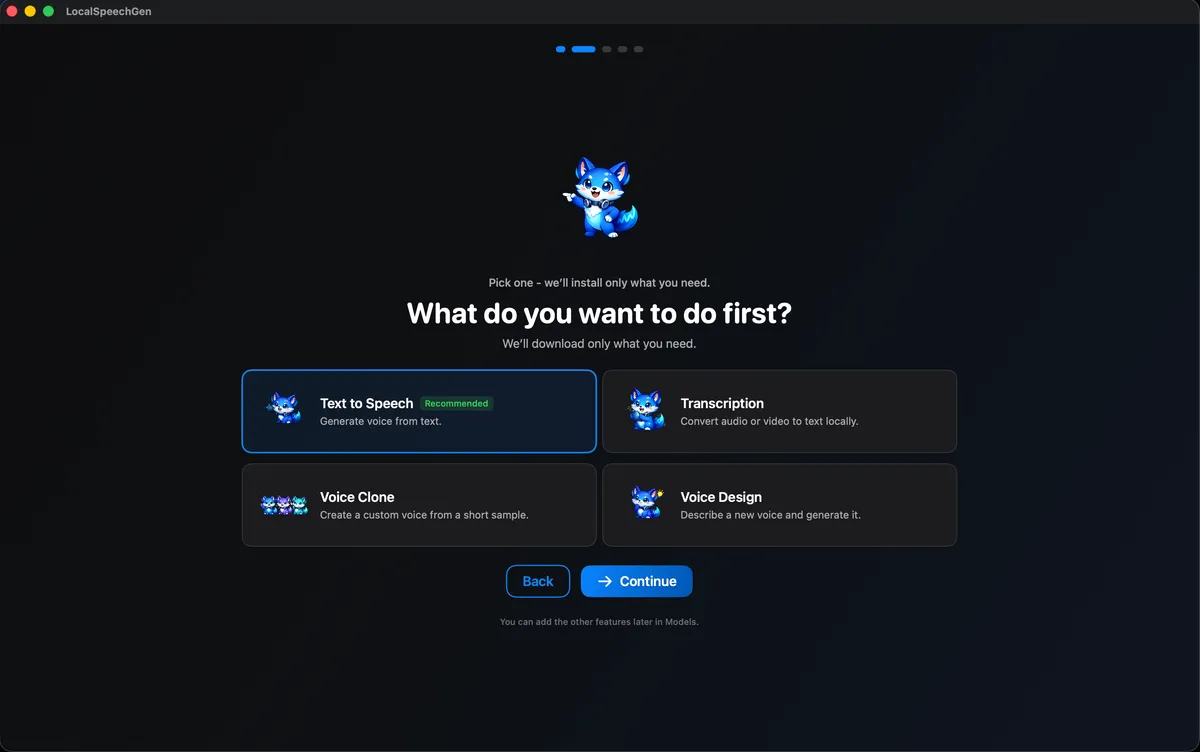
Onboarding and first-run setup flow
A neutral product-architecture comparison focused on workflow model, dependency requirements, and privacy posture.
| Category | LocalSpeechGen | ElevenLabs |
|---|---|---|
| Primary runtime model | Local macOS app with on-device workflows | Cloud-hosted platform and API services |
| Account/API key for core generation | Not required for local on-device core workflows | Account required, API key required for API usage |
| Internet dependency for generation | One-time model download, then local workflows can run offline | Cloud generation requires an active internet connection |
| Custom voice output limits | Unlimited local generation from cloned and designed voices | Plan and usage limits may apply |
| Output quality | High-quality natural output for creator workflows | High-quality cloud output |
| Default media processing path | Local processing path available on user device | Media is sent to provider infrastructure for processing |
| Default deployment target | Desktop app for macOS | Web app plus API-first cloud integration |
| Privacy posture by architecture | Data can remain on your own machine | Data handling follows remote service policies |
Comparison is based on publicly available documentation as of February 16, 2026 and may change. References: Source 1, Source 2, Source 3.
Start with a local-first workflow, then scale into advanced voice creation when needed.